How Phone and Laptop Batteries Age, and Simple Habits That Help Them Last
Lithium-ion batteries wear out gradually, and everyday charging habits influence how quickly. This explainer covers the chemistry in plain terms and the settings that genuinely make a difference.

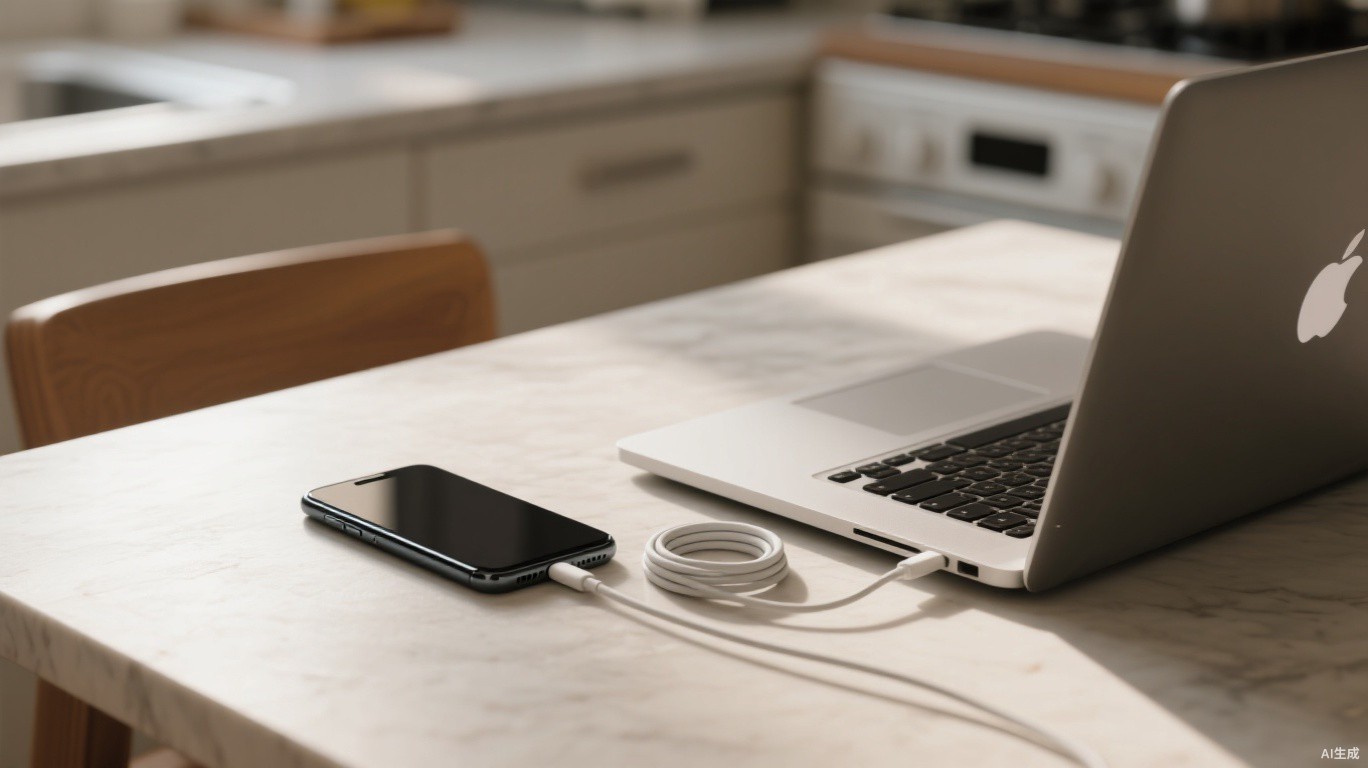
Few things make a device feel old faster than a battery that no longer lasts the day. A phone that once comfortably reached bedtime starts needing a top-up by mid-afternoon; a laptop that handled a long flight begins warning you within a couple of hours. This decline is normal, but it is not entirely out of your hands.
Understanding a little about how lithium-ion batteries age helps separate useful advice from the folklore that has accumulated around charging.
What is happening inside the cell
Almost every phone and laptop uses a lithium-ion battery. When it charges, lithium ions move from the positive electrode to the negative electrode, where they are stored, usually in a layered form of graphite. When you use the device, the ions travel back, releasing energy.
Each trip causes tiny amounts of wear. A thin layer called the solid electrolyte interphase forms on the negative electrode, consuming a little lithium each time it grows. Electrode materials expand and contract slightly, developing microscopic cracks. Over hundreds of cycles, the battery can hold less charge and delivers power less efficiently. This is why manufacturers typically quote capacity in terms of how much remains after a set number of full cycles, often around 80 percent after several hundred.
Two factors speed up this ageing more than any other: heat and time spent at very high or very low charge. A battery sitting at 100 percent in a warm room ages faster than one resting at half charge in a cool one.
Myths that no longer apply
Some advice from earlier battery technologies still circulates. Older nickel-based batteries suffered from a "memory effect", which led people to fully drain devices before recharging. Lithium-ion batteries do not behave this way, and regularly running them to zero actually adds stress.
Similarly, there is no need to charge a new phone for a long period before first use, and leaving a device plugged in overnight is not inherently dangerous. Modern devices have charging controllers that stop drawing current once the battery is full. The concern with overnight charging is gradual ageing from sitting at full charge, not safety.
A battery engineer who has worked on consumer electronics described the right mindset.
Think of a battery like a pair of running shoes: every use wears it a little, and the goal is not to avoid using it but to avoid wearing it out needlessly.
Habits that genuinely help
The good news is that the most effective steps are simple, and many devices now automate them:
- Turn on optimised or adaptive charging, which learns your routine and holds the battery around 80 percent until shortly before you usually unplug.
- Use a charge limit on laptops that are mostly plugged in at a desk; many now offer a setting to cap charging at 80 or 85 percent.
- Avoid leaving devices in hot places such as a car dashboard, a sunny windowsill or under a pillow while charging.
- Remove thick cases if a phone gets noticeably warm during fast charging or gaming.
- Store unused devices at roughly half charge rather than full or empty.
Fast charging deserves a brief mention. It generates more heat than slower charging, but manufacturers design their systems to slow down as the battery fills and as temperatures rise. For everyday use, it is fine. If you are charging overnight and have no need for speed, a lower-power charger is slightly gentler, but the difference is modest compared with avoiding heat.
Checking battery health
Most phones show a battery health figure in their settings, usually as a percentage of original capacity. Laptops vary: some report health directly, while others require a built-in diagnostic tool or a command that generates a battery report. Checking once every few months gives you a sense of how your usage is affecting the cell.
If health drops sharply, or the device shuts down unexpectedly at moderate charge levels, the battery may need replacing. A swollen battery, which can show up as a lifting screen or a case that no longer sits flat, should be dealt with promptly by a qualified repairer and not charged further.
Repair, replacement and the bigger picture
Battery replacement has become easier in recent years. Regulators in several regions, particularly the European Union, have pushed for devices with more easily replaceable batteries, and many manufacturers now sell official replacement kits or offer fixed-price services. Replacing a worn battery is far cheaper, and far less wasteful, than replacing an entire phone or laptop.
There is also an environmental argument for looking after the battery you have. Producing lithium-ion cells requires mining and refining materials such as lithium, cobalt and nickel. Extending a device's useful life by even a year or two reduces demand for new hardware and the resources that go into it.
None of these habits require obsession. You do not need to watch the charge level all day or carry a thermometer. Switch on the built-in charging protections, keep devices out of the heat, and replace the battery when it wears out rather than the whole device. Those few choices do most of the work.