Managing Screen Time and Digital Eye Strain in Everyday Working Life
Long hours in front of screens can leave eyes tired, dry and uncomfortable. Simple adjustments to lighting, posture and break habits may ease symptoms, and regular eye tests remain essential.

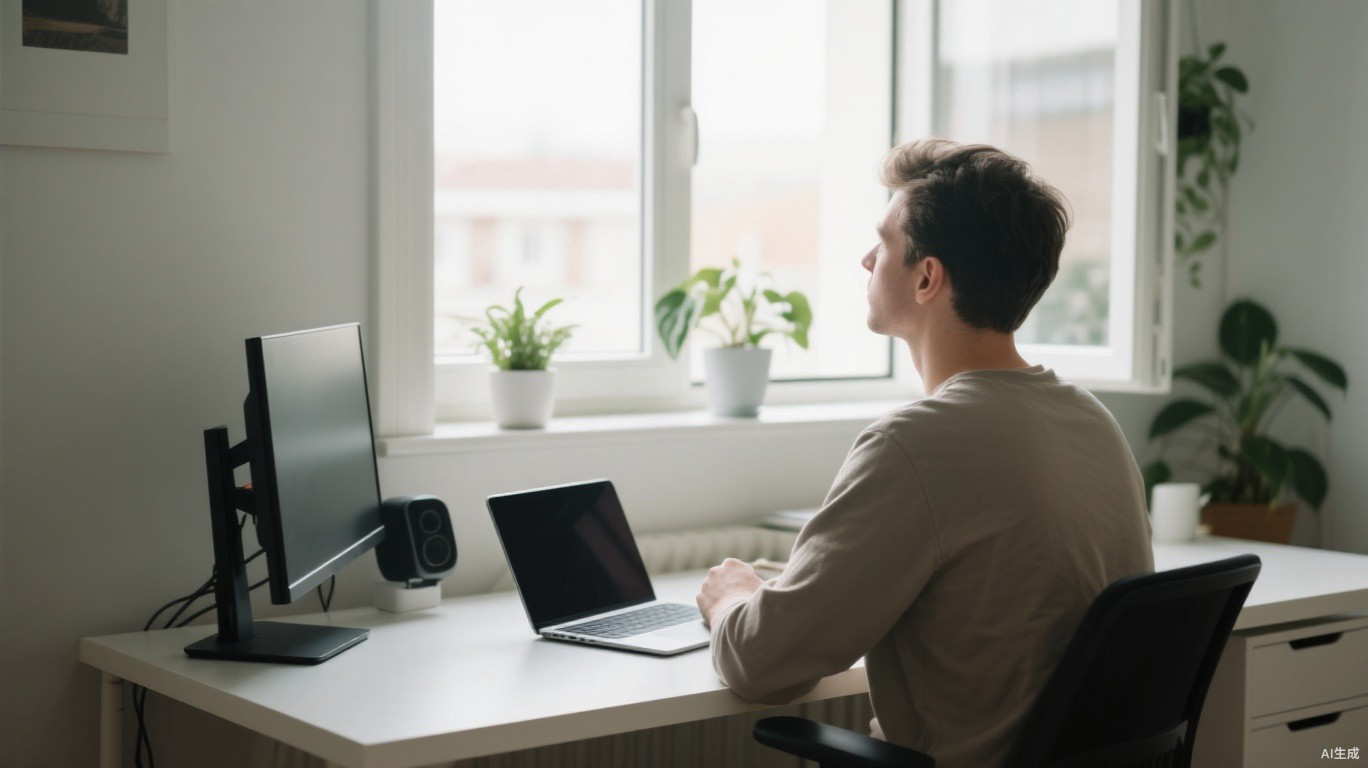
For many office workers, students and remote employees, a typical day involves several hours in front of a computer, followed by more time on a phone or tablet in the evening. It is no surprise that eye discomfort has become a common complaint. Optometrists often hear about tired, dry or sore eyes, blurred vision late in the day and headaches that seem to follow long sessions at a screen.
These symptoms are often grouped under the term digital eye strain or computer vision syndrome. For most people the discomfort is temporary and eases with rest, but it can still affect concentration and comfort. A few practical changes to how and where screens are used may help considerably.
Why Screens Tire the Eyes
Several factors contribute. When people focus on a screen, they tend to blink less often than usual, which can leave the surface of the eye feeling dry and gritty. Holding focus at a fixed, close distance for long periods also asks the eye muscles to work continuously.
Glare from windows or overhead lighting, screens that are too bright or too dim compared with the room, small text and poor posture can all add to the strain. Uncorrected vision problems, even minor ones, may make symptoms worse, which is one reason regular eye examinations are recommended.
The Value of Regular Breaks
One widely cited suggestion is the 20-20-20 rule: every twenty minutes, look at something about twenty feet away for around twenty seconds. The idea is to give the focusing muscles a short rest and encourage more natural blinking. It is a simple, memorable habit rather than a precise prescription, and many people find a gentler version, such as looking out of the window whenever they finish a task, easier to maintain.
People expect a complicated fix, but the advice that helps most is often just to look up, look away and blink more often.
That observation comes from an optometrist in Dublin who sees many screen-heavy workers. Longer breaks matter too. Standing up, moving around and stepping away from the desk every hour or so benefits posture and general wellbeing as well as the eyes.
Setting Up a Comfortable Workspace
Small adjustments to a workstation can reduce strain noticeably. Useful starting points include:
- Positioning the screen roughly an arm's length away, with the top at or slightly below eye level.
- Reducing glare by angling the screen away from windows or using blinds.
- Matching screen brightness to the surrounding room rather than leaving it at maximum.
- Increasing text size so you are not leaning forward to read.
- Keeping screens clean, since dust and smudges reduce clarity.
Laptop users often look down at a screen that is too low for long periods, which can contribute to neck and shoulder discomfort. A laptop stand with a separate keyboard and mouse, or an external monitor, can help for anyone working at a laptop full time. Employers in some countries have obligations to assess display screen workstations, so it is worth asking about available support.
Heated or air-conditioned rooms can make dry eyes worse, particularly in winter. Ensuring good ventilation, staying hydrated and avoiding fans or vents blowing directly at the face may help. Consciously blinking fully, especially during focused work, is another simple step.
Some people use lubricating eye drops for comfort. If you are considering them, ask a pharmacist or optometrist which type is suitable, especially if you wear contact lenses or have any existing eye condition.
Contact lens wearers sometimes notice more dryness during long screen sessions. Following the wearing schedule recommended by your eye care professional and giving your eyes rest days with glasses can be helpful.
Evenings, Phones and Sleep
Screen use in the evening raises separate questions. There is ongoing research into how light from devices may affect sleep, and findings vary. Beyond the light itself, engaging content can keep the mind alert when it should be winding down. Many people find that setting a cut-off time for phones before bed, or keeping devices out of the bedroom, improves both rest and how their eyes feel the next morning.
Built-in night modes, which shift screen colours to warmer tones in the evening, are widely available. Some users find them more comfortable, although evidence for their effect on sleep is mixed. They are a reasonable option to try, but probably not a complete solution on their own.
When to See a Professional
Regular eye tests are important for everyone, and many guidelines suggest a check every two years for adults, or more often if advised. An optometrist can identify uncorrected vision problems and may recommend glasses designed for computer distances where appropriate.
Seek prompt advice if you notice sudden changes in vision, persistent eye pain, redness that does not settle, flashes of light, new floaters or headaches that are severe or unusual. These are not typical signs of screen strain and should be assessed by a professional without delay.
Screens are part of modern work and leisure, and avoiding them entirely is unrealistic for most people. The more practical aim is to use them in a way the eyes can tolerate: a well-arranged desk, regular pauses, sensible evening habits and routine check-ups. None of these steps is complicated, but together they can make long days at a screen noticeably more comfortable.